Alt text — short for alternative text — is a text description supplied through an image’s alt attribute in HTML. It communicates the purpose and essential information of an image when that image cannot be seen.
Screen readers announce alt text aloud for users who are blind or have low vision. Browsers display alt text in place of an image if the image file fails to load. Search engines read alt text to understand what an image depicts and how it relates to the surrounding page content.
The alt attribute has been part of the HTML specification since HTML 2.0 (1995). What changed over time is not its technical function but the quality standards around it — modern accessibility guidelines like WCAG 2.2 and Section 508 require alt text that conveys meaning, not just a label.
What Does Alt Text Look Like in HTML?
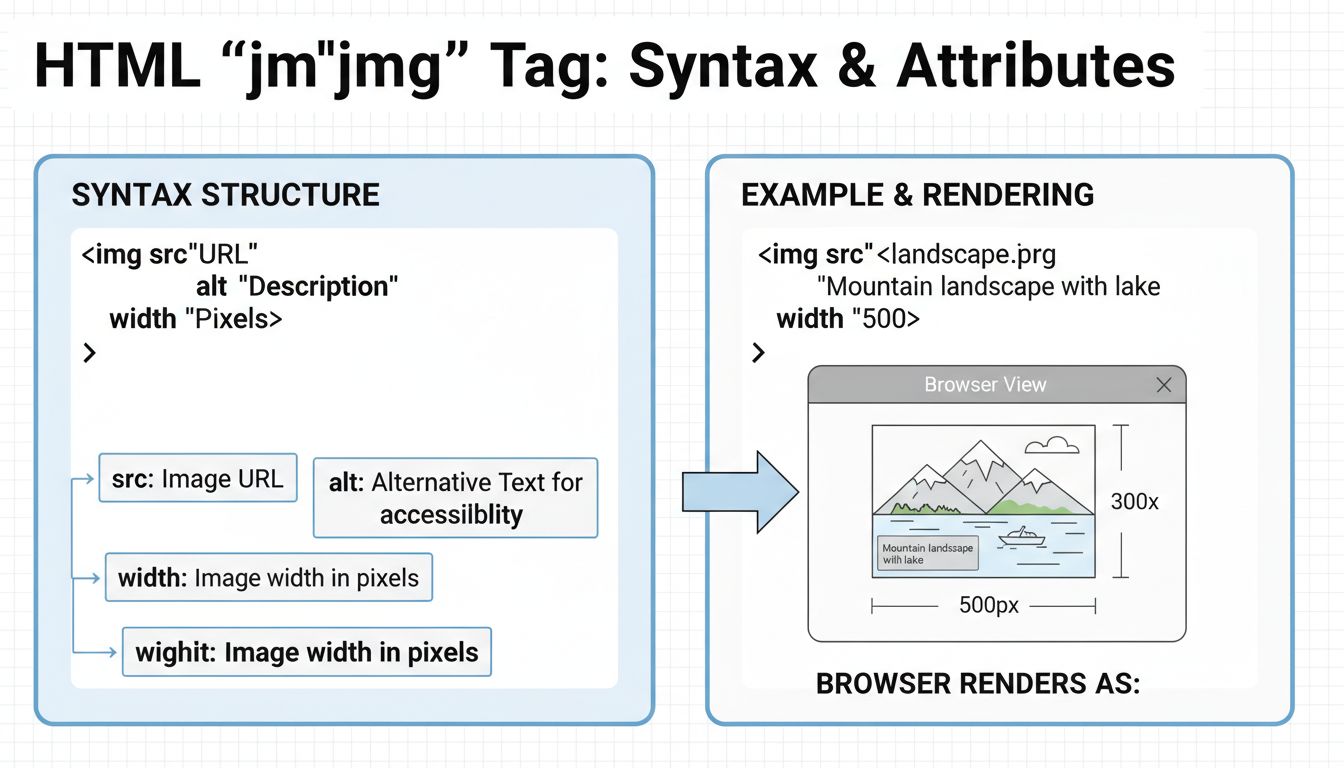
An image tag with alt text follows this structure:
<imgsrc="golden-retriever-beach.jpg"alt="Golden retriever running on a sandy beach at sunset">
The src attribute points to the image file location. The alt attribute holds the text description.
Is Alt Text the Same as an Alt Tag?
No — though the terms are often used interchangeably in everyday conversation. “Alt tag” is a colloquialism. The correct technical term is alt attribute, because alt is an attribute of the <img> element, not a standalone HTML tag. In practice, “alt text,” “alt attribute,” and “alternative text” all refer to the same concept.
Launch your affiliate program today
Set up advanced tracking in minutes. No credit card required.
Alt text serves three distinct audiences, each with different needs.
Accessibility for Screen Reader Users
Many use screen readers — software that converts on-screen content to speech or braille.
This is not a nice-to-have; it is a functional requirement under the Web Content Accessibility Guidelines (WCAG) 2.2, specifically Success Criterion 1.1.1 (Non-text Content).
Screen reader users rely on alt text to navigate product pages, understand infographics, identify buttons, and grasp the full meaning of a page. Missing or poorly written alt text excludes these users from the conversation entirely.
Better User Experience When Images Fail to Load
Images break. A slow connection, a server error, a deleted file, an email client that blocks images by default — all of these are common. When an image does not load and no alt text is present, users see either nothing or a cryptic file name.
Alt text provides a fallback that preserves meaning. In email marketing — where image blocking is widespread — alt text often determines whether a recipient understands the message at all. For affiliate marketers sending promotional emails, alt text on product images can mean the difference between a click and a delete.
SEO and Image Search
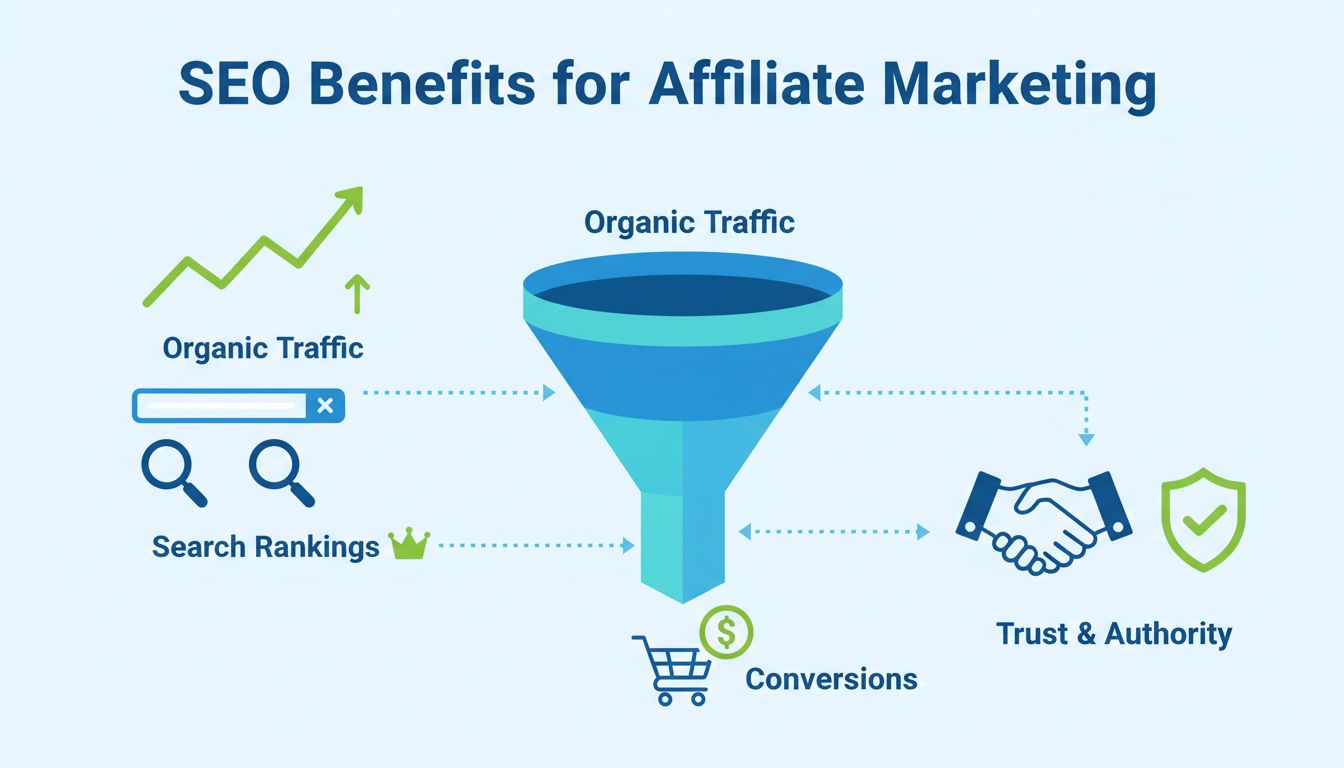
Search engines use alt text alongside file names, surrounding copy, and page structure to index images. Google’s own documentation confirms that alt text helps the search engine understand what an image shows and how it relates to the page topic.
Images with descriptive, accurate alt text are more likely to appear in Google Image Search results — a channel that drives traffic independently of standard web search. For e-commerce and affiliate sites, image search can be a meaningful traffic source when product images carry appropriate alt text.
Does Alt Text Help AI Understand Your Content?
Yes — with a caveat. AI systems increasingly use computer vision to analyze images directly. However, when an AI model processes a page primarily through its text and HTML (as search crawlers and some content-indexing tools do), the alt text provides an explicit, author-written signal about what the image means in context. This is particularly relevant as AI-powered search features — such as Google’s AI Overviews — synthesize page content to answer user queries.
When Should You Use Alt Text?
The decision to write alt text depends on the image’s purpose. The W3C Web Accessibility Initiative categorizes images into several types, each with different alt-text requirements.
Informative Images
Images that convey information relevant to the page need descriptive alt text. Ask: If this image disappeared, would the reader lose meaningful content? If yes, write alt text that communicates the information the image provides.
Functional Images
Functional images initiate actions — they appear inside buttons, links, or other interactive elements. Their alt text should describe the action, not the image itself.
Example: A magnifying-glass icon inside a search button needs alt="Search", not alt="Magnifying glass icon".
For functional images, the user needs to know what happens when they click — not what the icon looks like.
Images Containing Text
Whenever possible, text should be real HTML text, not embedded in an image. When images of text are unavoidable (banners, promotional graphics, some social-media templates), the alt text should reproduce the exact text shown in the image.
Example: A promotional banner reading “20% Off All Plans — Use Code SUMMER20” should have alt text containing those exact words.
Join our newsletter
Be the first to know about new features and product updates.
When Should You Not Use Alt Text?
Decorative Images
Decorative images serve no informational or functional purpose — they exist purely for visual ambiance. Background patterns, generic stock photos used as section dividers, and purely ornamental icons fall into this category.
For decorative images, use an empty alt attribute: alt="". This is also called null alt text.
This is the correct behavior; announcing decorative images adds noise without adding meaning.
Critical detail: The alt attribute must still be present, just empty. Omitting the alt attribute entirely (<img src="decorative.jpg">) forces screen readers to read the file name, creating a worse experience than null alt text.
Redundant Images
When an image repeats information already present in adjacent text, adding alt text creates duplication. For example, if a product card shows an image of a “Wireless Bluetooth Headphones” next to a heading that says “Wireless Bluetooth Headphones,” the alt text should be empty — alt="" — because the information is already available to screen reader users through the heading.
How to Write Good Alt Text
The difference between adequate alt text and useless alt text often comes down to a few basic principles.
Be Descriptive and Concise
Describe the information the image conveys, not every visual detail. A photograph of a person hiking does not need the color of their shoelaces — it needs the action, context, and any details relevant to the surrounding content.
Most effective alt text fits within 125 characters. Screen readers pause at punctuation, so long, unbroken alt text becomes an audio wall. Siteimprove recommends keeping alt text under roughly 100 characters whenever possible.
Keep Context in Mind
The same image can need different alt text depending on where it appears. A photo of a laptop on a desk might need alt text describing the laptop model on a product page, or alt text describing a remote-work scene on a blog about productivity.
Always write alt text for the image’s role on the specific page, not for the image in isolation.
Avoid Keyword Stuffing
Alt text exists for accessibility first. Use relevant terms only when they naturally describe the image.
Do Not Start With “Image of” or “Picture of”
Screen readers already announce an image as an image.
Use Proper Punctuation and Grammar
Capitalize the first letter. End sentences with a period. Screen readers use punctuation to determine pacing and intonation. Grammatical alt text sounds more natural and is easier to understand.
What Happens If the Alt Attribute Is Missing?
When the alt attribute is completely absent from an <img> tag, behavior varies:
Screen readers typically fall back to announcing the image’s file name — often a meaningless string like DSC00472.jpg.
Browsers may display nothing or the file name in the broken-image placeholder.
Search engines lose a key signal for understanding the image, reducing the chance it ranks in image search.
Accessibility checkers flag the missing attribute as an error under WCAG 1.1.1.
An image with a missing alt attribute is fundamentally different from one with an empty alt="". The first creates confusion; the second is a deliberate choice that tells assistive technology to skip the image. Every <img> tag on a page should have an alt attribute — whether populated or empty.
How to Add Alt Text to Images
In a Content Management System
Most CMS platforms — WordPress, HubSpot, Shopify, and others — include an alt text field in the image upload or media library interface.
In WordPress, when you select an image in the block editor or media library, the “Alternative Text” field appears in the right-hand settings panel. Enter your description and save. The CMS adds the alt attribute to the HTML automatically.
In HTML Code
Add the alt attribute directly inside the <img> tag:
<imgsrc="affiliate-dashboard.jpg"alt="Post Affiliate Pro dashboard showing monthly commission summary">
The alt attribute can appear anywhere within the <img> tag, though placing it after src is conventional.
On Social Media
Most social platforms provide an alt-text option when composing a post with an image:
LinkedIn: Select “Add alt text” after attaching an image.
Twitter/X: Select “Add description” under the attached image.
Facebook: Automatically generates alt text using AI, but allows manual override under “Edit photo” → “Alternative text.”
Always replace auto-generated alt text with a human-written description. AI-generated alt text tends toward generic labels — “dog, indoor, person” — that miss the image’s purpose and context.
Alt Text in Affiliate Marketing
Alt text plays a specific and often overlooked role in affiliate marketing workflows, affecting advertisers, publishers, and program managers alike.
For Advertisers and Affiliate Program Managers
When you provide banners, product images, and promotional creatives to your affiliates, those images rarely ship with alt text. Affiliates who receive an image file through an affiliate dashboard may not know what to write — and many will leave the alt attribute blank or missing.
Program managers who include suggested alt text alongside each creative in the affiliate portal remove that friction.
For Publishers and Affiliates
Product review posts and comparison articles rely heavily on screenshots, product photos, and comparison tables rendered as images. Each of those images needs alt text that serves both the reader and the search engine.
When readers using screen readers encounter that alt text, they receive the same information a sighted reader gets from the screenshot. When search engines index that alt text, the image can surface in relevant queries about affiliate commission settings.
Image Search as an Affiliate Traffic Channel
Product images with accurate, descriptive alt text can rank in Google Image Search for long-tail queries. That image click leads to the page — and potentially to a signup.
This is not a substitute for written content and standard SEO. It is an additional, low-effort channel that works only when alt text is consistently applied.
Frequently asked questions
Sighted users typically do not see alt text unless an image fails to load. Screen reader users hear it. Developers and editors can see it by inspecting the HTML or using browser developer tools. Some browsers let users view alt text by right-clicking an image and selecting "Inspect" or "View image info."
Most guidelines recommend keeping alt text under 125 characters. Siteimprove suggests approximately 100 characters as a practical maximum. If an image requires a longer description — a complex chart or infographic, for example — provide a short alt text summary and include the full explanation in the surrounding body text or in a linked long-description page.
Every <img> tag needs an alt attribute, but not every image needs descriptive alt text. Decorative images should use an empty alt="" attribute. Informative and functional images need meaningful, context-appropriate alt text. The key rule: the alt attribute must always be present, even when its value is empty.
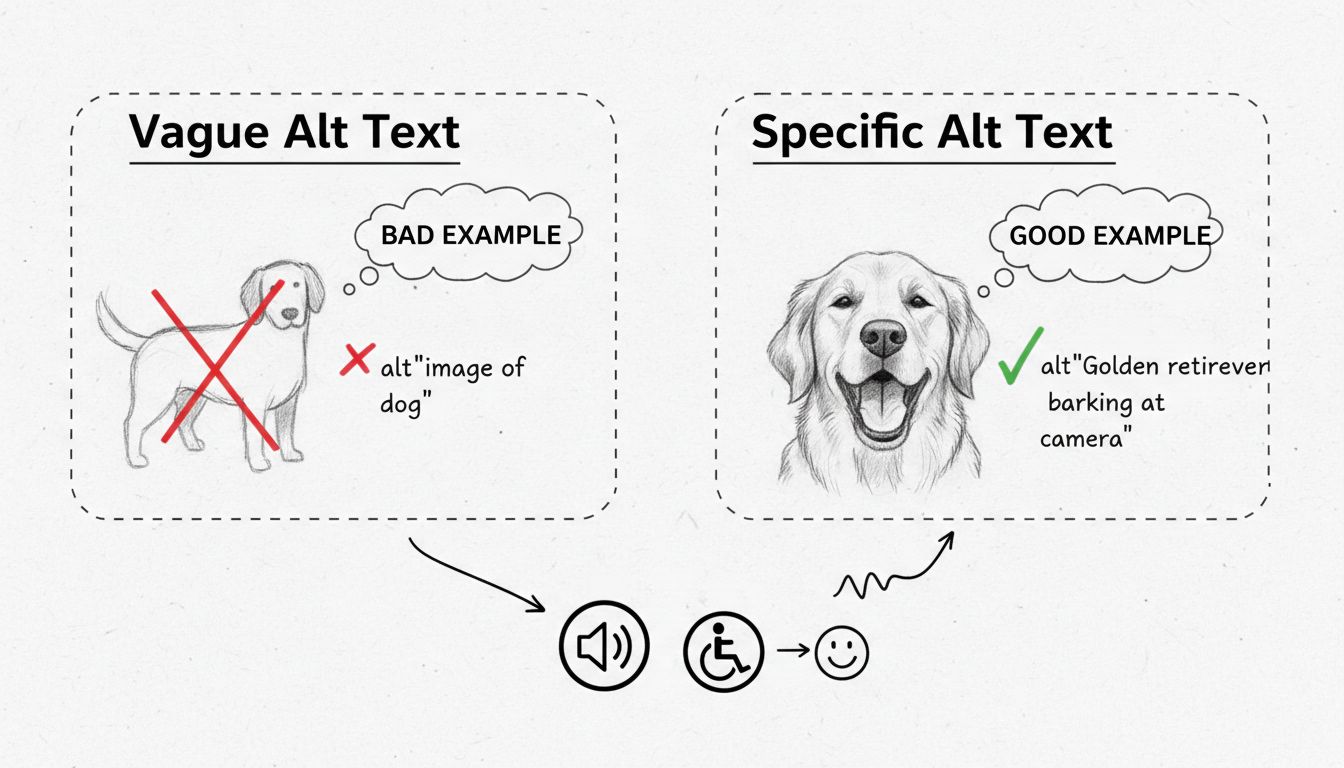
Poor: alt="Image of a dog"
The good version describes what matters in the image without wasting words on "image of" — which the screen reader already provides.
No. Keyword stuffing in alt text — such as alt="cheap shoes buy shoes best shoe deals discount footwear" — harms accessibility by producing unlistenable screen-reader output and can trigger manual actions from search engines. Use keywords only when they genuinely describe the image.
Alt text provides a text equivalent of an image for users who cannot see it. A caption (often in a <figcaption> element) is visible to all users and typically adds context, credit, or commentary. They serve different purposes and can co-exist on the same image — but they should not be identical. If both are present, the alt text should describe the image, and the caption should add information not obvious from the image alone.
Enhance Your Website with Proper Alt Text
Optimize your site for both accessibility and search engines. Discover how effective alt text can boost your affiliate marketing results.
What Does Good Alt Text Look Like? Complete Guide to Writing Effective Alternative Text
Learn what good alt text looks like with practical examples. Discover best practices for writing concise, specific alt text that improves accessibility and SEO ...
How to Write Good Alt Text: Complete Guide for Web Accessibility and SEO
Learn how to write effective alt text for images. Discover best practices for accessibility, SEO optimization, and specific guidelines for different image types...
Learn how to add images in HTML using the img tag. Discover best practices for src, alt attributes, responsive images, and optimization techniques for web perfo...
7 min read
You will be in Good Hands!
Join our community of happy clients and provide excellent customer support with Post Affiliate Pro.