


What is Geotargeting? Complete Guide to Location-Based Marketing
Learn what geotargeting is and how it works. Discover how PostAffiliatePro helps you deliver location-specific content to boost conversions and engagement with ...
13 min read
Every dollar you spend showing ads to people who cannot realistically become your customers is a dollar lost.
Every dollar you spend showing ads to people who cannot realistically become your customers is a dollar lost. A plumber in Chicago does not need their ad appearing in Miami. An e-commerce store shipping only within the EU gains nothing from clicks in Brazil. Geo-targeting solves this problem at its root: it ensures your marketing budget reaches people in the places where your business actually operates.
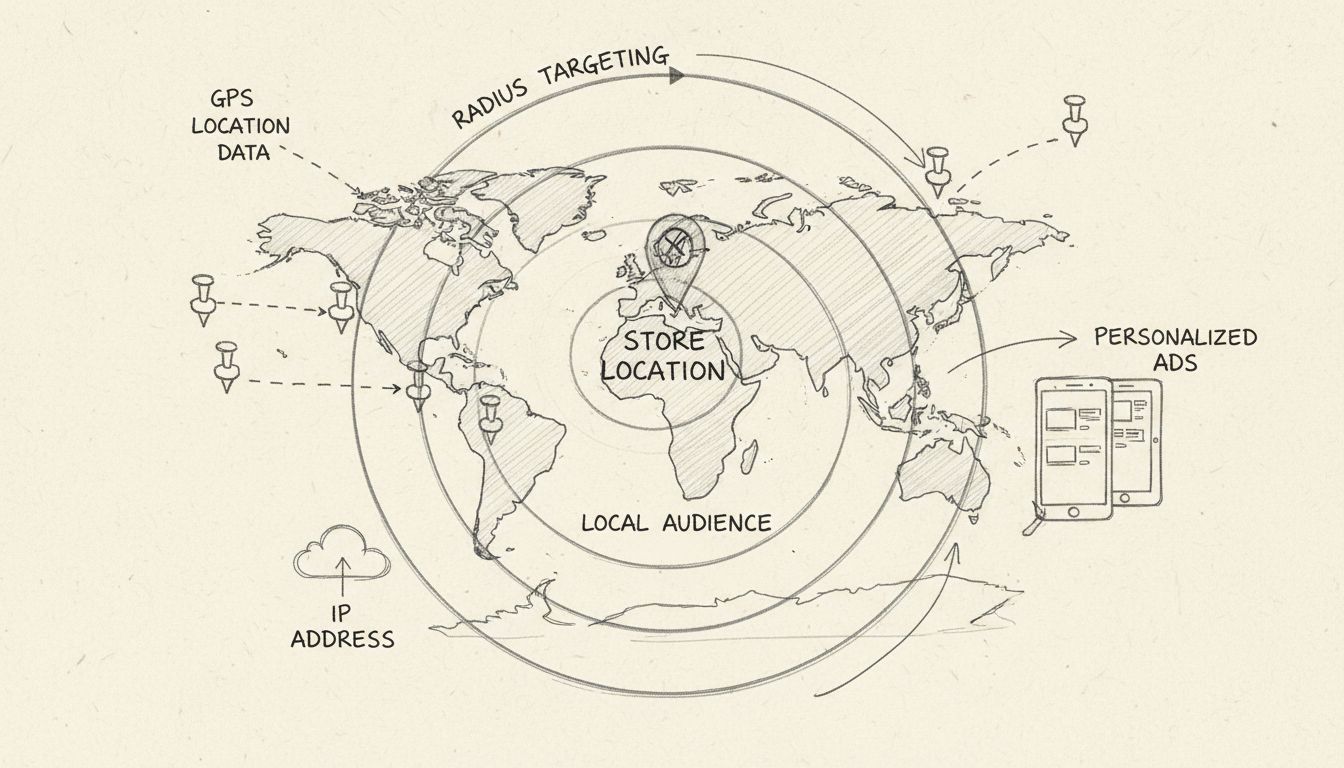
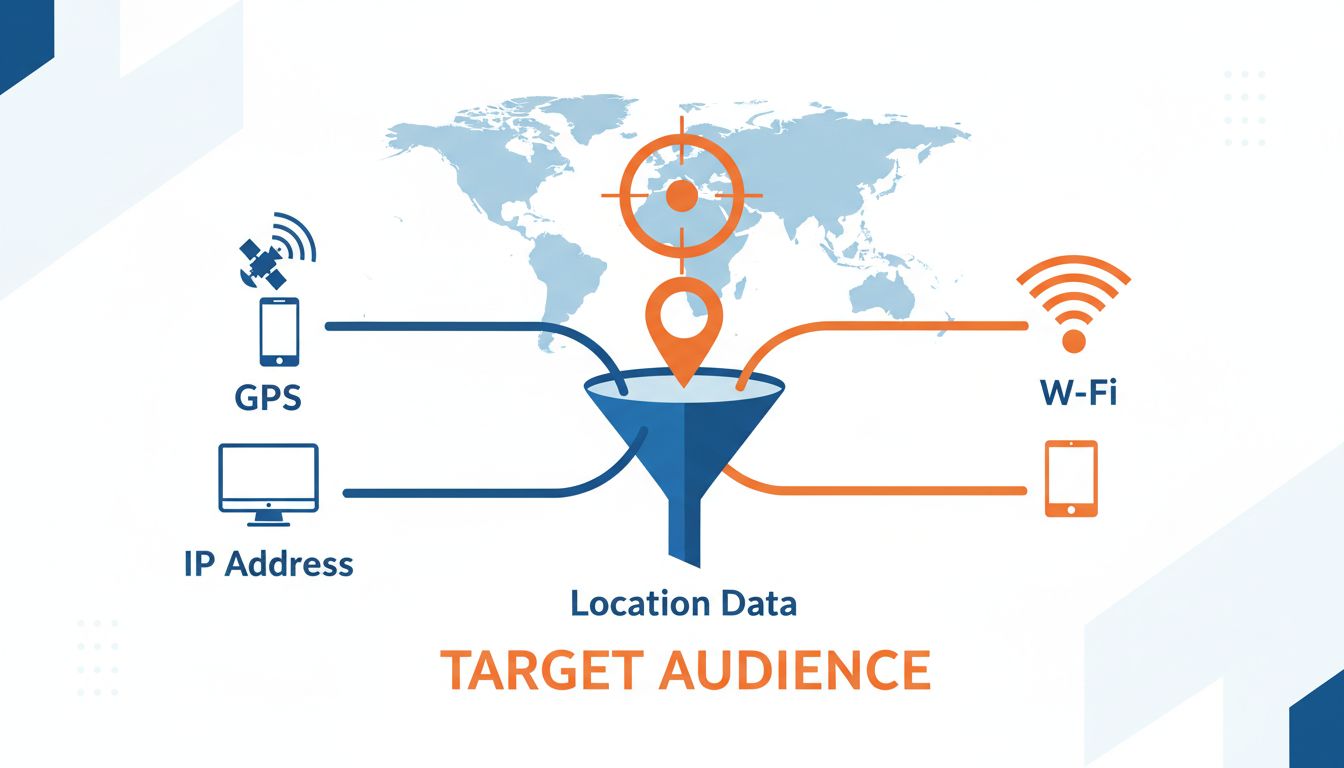
Geo-targeting — also called geographic targeting or location targeting — is the practice of delivering specific content, advertisements, or offers to users based on their physical geographic location. That location can be as broad as a country or as narrow as a single zip code or a radius measured in kilometers around a storefront. The technique uses signals like IP addresses, GPS data, Wi-Fi networks, and device settings to determine where a user is and then serves them content relevant to that place.
Geo-targeting is a digital advertising and content-delivery method that identifies a user’s geographic location and adjusts the marketing message accordingly. Rather than broadcasting the same ad to everyone, platforms let advertisers define location parameters — countries, regions, cities, postal codes, designated market areas (DMAs), or a radius around a point — and show ads only to users who fall within those boundaries.
The concept sits inside the broader category of location-based marketing, but geo-targeting specifically refers to the audience-selection layer: deciding who sees a campaign based on where they are. What you do with that targeting — localized creative, regional pricing, language customization — is the execution layer on top.
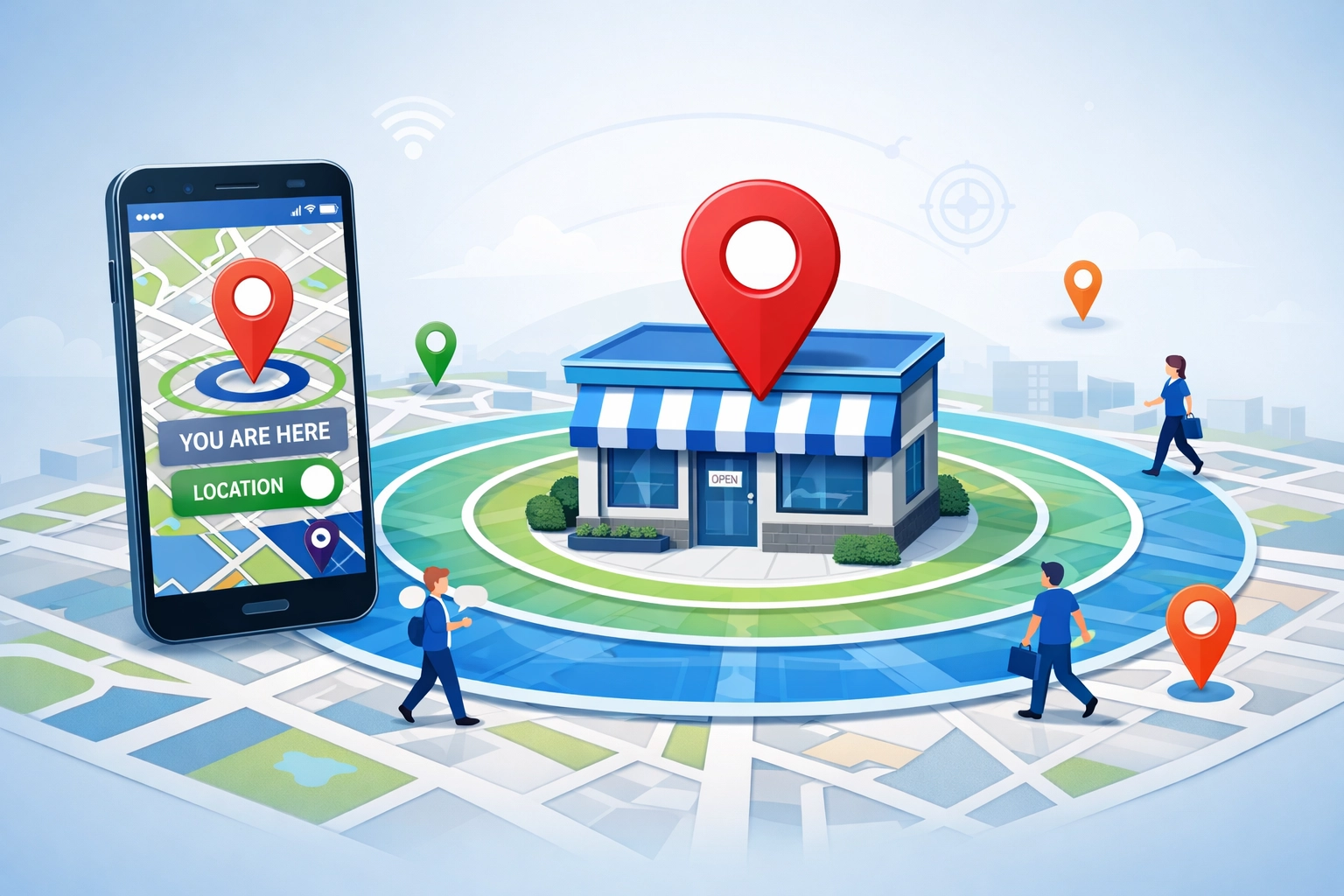
A national brand selling software subscriptions may benefit from casting a wide net. But most businesses do not operate that way. A restaurant chain needs foot traffic within driving distance. A regional service provider — HVAC repair, legal services, home cleaning — only converts customers inside its service territory. Even pure e-commerce brands face shipping constraints, currency differences, and regional regulations that make certain geographies unprofitable.
These two terms are frequently confused, but they describe different tactics with different use cases.
| Geo-Targeting | Geofencing | |
|---|---|---|
| Scope | Broad: countries, states, cities, zip codes, DMAs | Narrow: a virtual boundary around a single point |
| Trigger | User’s general location at time of ad serving | Real-time entry into or exit from a defined area |
| Technology | IP address, GPS, Wi-Fi, device settings, profile data | GPS (with permission), Bluetooth beacons, cellular triangulation |
| Typical radius | City-level or larger; can go down to ~1 km | As small as 50–100 meters around a store |
| Best for | Regional campaigns, audience filtering, localized offers | Instant push notifications when someone walks near a store |
| Example | Showing a restaurant ad to everyone in a 10-mile radius | Sending a coupon the moment someone enters a shopping mall |

Set up advanced tracking in minutes. No credit card required.
Every device connected to the internet leaves location traces. Geo-targeting platforms combine several signals to estimate where a user is:
When an advertiser sets a location target — say, “people in Chicago, IL” — the ad platform checks each available impression against its location signals. If the user’s detected location falls within the targeted area, the ad is eligible to serve. If not, the platform skips that impression.
Google Ads, for example, offers three location targeting modes:
Each mode suits different goals. A local coffee shop wants mode 2 — physical proximity. A hotel chain wants mode 3 — travelers researching a destination. Most e-commerce campaigns perform best with mode 1.
Location targeting operates at several granularities:
Google Ads is the most widely used geo-targeting platform. Advertisers set location targets at the campaign level, and Google matches those targets against user signals — IP address, device location, search query location terms, and location history — to decide whether to serve an ad.
Key capabilities include:
Meta (Facebook and Instagram): Location targeting is built into the ad set level. Advertisers can target by country, region, city, postal code, or a radius around an address. Meta also offers “location categories” — predefined groups like “people who live in this location,” “people recently in this location,” and “people traveling in this location.” These categories let a hotel target tourists while a grocery store targets residents.
Reddit Ads: Reddit supports geo-targeting at the country, state, region, DMA, city, and postal code level. Because Reddit communities (subreddits) are often interest-based rather than location-based, combining geo-targeting with community targeting lets advertisers reach, for example, people in Texas who participate in r/hiking.
TikTok and Pinterest: Both support country, region, city, and DMA targeting. TikTok’s younger user base makes radius targeting around college campuses and urban centers particularly effective for brands targeting Gen Z.
Programmatic advertising platforms — including Google Display Network, The Trade Desk, and Amazon DSP — offer geo-targeting at the impression level. Connected TV (CTV) platforms like Hulu, Roku, and Amazon Fire TV extend this to the television screen, letting local businesses run video ads that only appear in specific markets. A car dealership can run a CTV campaign visible only to households within a 30-mile radius of its lot, combining the brand impact of television with the waste-elimination of digital targeting.
Be the first to know about new features and product updates.
Every impression served outside a business’s service area is budget that could have reached an actual prospect. Geo-targeting eliminates that waste at the campaign-setup level. The effect compounds: less wasted spend means lower cost per acquisition (CPA), which means the same budget funds more conversions.
Affiliate program managers can use geo-targeting to align commissions with business realities. If a product ships free within the US but incurs high shipping costs to Canada, the program can offer a lower commission rate for Canadian conversions — or exclude Canada entirely and route Canadian traffic to a different offer.
Geo-targeting also enables program managers to:
Publishers — bloggers, review sites, coupon sites, influencers — earn commissions on conversions. Traffic that cannot convert earns nothing. By using geo-targeted links (SmartLinks) and focusing content on audiences in monetizable regions, publishers increase their effective earnings per click (EPC).
A publisher reviewing software tools, for example, can create content tailored to specific markets: “Best Accounting Software for UK Small Businesses” attracts UK readers and links to offers available in the UK. The traffic is pre-qualified by both interest and geography, producing higher conversion rates than generic, globally-targeted content.
Geo-targeting is a digital advertising and content-delivery method that identifies a user’s geographic location and adjusts the marketing message accordingly. Rather than broadcasting the same ad to everyone, platforms let advertisers define location parameters — countries, regions, cities, postal codes, designated market areas (DMAs), or a radius around a point — and show ads only to users who fall within those boundaries.
The concept sits inside the broader category of location-based marketing, but geo-targeting specifically refers to the audience-selection layer: deciding who sees a campaign based on where they are. What you do with that targeting — localized creative, regional pricing, language customization — is the execution layer on top.
A national brand selling software subscriptions may benefit from casting a wide net. But most businesses do not operate that way. A restaurant chain needs foot traffic within driving distance. A regional service provider — HVAC repair, legal services, home cleaning — only converts customers inside its service territory. Even pure e-commerce brands face shipping constraints, currency differences, and regional regulations that make certain geographies unprofitable.
The mechanism is straightforward: relevance. An ad for a store five miles away is more actionable than one for a store five hundred miles away. Location is one of the strongest signals of purchase intent available to advertisers, second only to the search query itself.
These two terms are frequently confused, but they describe different tactics with different use cases.
| Geo-Targeting | Geofencing | |
|---|---|---|
| Scope | Broad: countries, states, cities, zip codes, DMAs | Narrow: a virtual boundary around a single point |
| Trigger | User’s general location at time of ad serving | Real-time entry into or exit from a defined area |
| Technology | IP address, GPS, Wi-Fi, device settings, profile data | GPS (with permission), Bluetooth beacons, cellular triangulation |
| Typical radius | City-level or larger; can go down to ~1 km | As small as 50–100 meters around a store |
| Best for | Regional campaigns, audience filtering, localized offers | Instant push notifications when someone walks near a store |
| Example | Showing a restaurant ad to everyone in a 10-mile radius | Sending a coupon the moment someone enters a shopping mall |
Every device connected to the internet leaves location traces. Geo-targeting platforms combine several signals to estimate where a user is:
When an advertiser sets a location target — say, “people in Chicago, IL” — the ad platform checks each available impression against its location signals. If the user’s detected location falls within the targeted area, the ad is eligible to serve. If not, the platform skips that impression.
Google Ads, for example, offers three location targeting modes:
Each mode suits different goals. A local coffee shop wants mode 2 — physical proximity. A hotel chain wants mode 3 — travelers researching a destination. Most e-commerce campaigns perform best with mode 1.
Location targeting operates at several granularities:
Google Ads is the most widely used geo-targeting platform. Advertisers set location targets at the campaign level, and Google matches those targets against user signals — IP address, device location, search query location terms, and location history — to decide whether to serve an ad.
Key capabilities include:
Meta (Facebook and Instagram): Location targeting is built into the ad set level. Advertisers can target by country, region, city, postal code, or a radius around an address. Meta also offers “location categories” — predefined groups like “people who live in this location,” “people recently in this location,” and “people traveling in this location.” These categories let a hotel target tourists while a grocery store targets residents.
Reddit Ads: Reddit supports geo-targeting at the country, state, region, DMA, city, and postal code level. Because Reddit communities (subreddits) are often interest-based rather than location-based, combining geo-targeting with community targeting lets advertisers reach, for example, people in Texas who participate in r/hiking.
TikTok and Pinterest: Both support country, region, city, and DMA targeting. TikTok’s younger user base makes radius targeting around college campuses and urban centers particularly effective for brands targeting Gen Z.
Programmatic advertising platforms — including Google Display Network, The Trade Desk, and Amazon DSP — offer geo-targeting at the impression level. Connected TV (CTV) platforms like Hulu, Roku, and Amazon Fire TV extend this to the television screen, letting local businesses run video ads that only appear in specific markets. A car dealership can run a CTV campaign visible only to households within a 30-mile radius of its lot, combining the brand impact of television with the waste-elimination of digital targeting.
In affiliate marketing, geo-targeting serves a different purpose: routing traffic to the right offer based on the visitor’s location.
Every impression served outside a business’s service area is budget that could have reached an actual prospect. Geo-targeting eliminates that waste at the campaign-setup level. The effect compounds: less wasted spend means lower cost per acquisition (CPA), which means the same budget funds more conversions.
Beyond waste reduction, location-specific creative improves performance. Users respond to ads that acknowledge their local context — a retailer referencing a local event, a restaurant chain showing the nearest location, a service provider mentioning the neighborhood name.
Affiliate program managers can use geo-targeting to align commissions with business realities. If a product ships free within the US but incurs high shipping costs to Canada, the program can offer a lower commission rate for Canadian conversions — or exclude Canada entirely and route Canadian traffic to a different offer.
Geo-targeting also enables program managers to:
Publishers — bloggers, review sites, coupon sites, influencers — earn commissions on conversions. Traffic that cannot convert earns nothing. By using geo-targeted links (SmartLinks) and focusing content on audiences in monetizable regions, publishers increase their effective earnings per click (EPC).
A publisher reviewing software tools, for example, can create content tailored to specific markets: “Best Accounting Software for UK Small Businesses” attracts UK readers and links to offers available in the UK. The traffic is pre-qualified by both interest and geography, producing higher conversion rates than generic, globally-targeted content.
The short answer: yes, geo-targeting is legal — when done with proper consent and within applicable privacy regulations. The longer answer depends on where your users are and how you collect their location data.
Collecting and processing it requires a lawful basis — typically user consent. Websites and apps serving EU users must obtain explicit, informed consent before accessing GPS, Wi-Fi, or IP-based location data for advertising purposes. Cookie consent banners that bundle location tracking under “marketing cookies” are standard practice, but the consent must be freely given and as easy to withdraw as to grant.
Consumers have the right to know what location data is collected, to request deletion, and to opt out of its sale or sharing for cross-context behavioral advertising.
Other jurisdictions: Brazil’s LGPD, Canada’s PIPEDA, and several US state-level laws (Virginia, Colorado, Connecticut) impose similar requirements. The trend is toward tighter regulation, not looser.
Major ad platforms abstract raw location data away from advertisers. When you target “Chicago” in Google Ads, you do not receive individual users’ coordinates or IP addresses. The platform matches your targeting criteria against its internal location signals and serves the ad — you never see the underlying data. This separation is by design: it protects user privacy while enabling effective targeting.
For businesses collecting location data directly — through a mobile app with GPS permissions, for example — the burden of compliance is higher. A privacy policy must disclose what location data is collected, why, how long it is retained, and with whom it is shared. Apps should request location permissions only when needed (iOS and Android both enforce this at the OS level) and provide in-app controls to revoke access.
If you cannot ship there, exclude them.
Most advertisers do not need third-party geo-targeting tools. The major platforms include robust location targeting natively:
| Platform | Targeting Granularity | Notable Features |
|---|---|---|
| Google Ads | Country, region, city, postal code, radius (1 km+) | Location assets, bid adjustments, exclusion lists, advanced presence/interest modes |
| Meta Ads | Country, region, city, postal code, radius | Location categories (resident, recent visitor, traveler) |
| Reddit Ads | Country, state, DMA, city, postal code | Combine with community targeting |
| Microsoft Advertising | Country, city, radius, postal code | Location extensions, bid modifiers |
| TikTok Ads | Country, region, city, DMA | Strong radius targeting for campus/event campaigns |
| LinkedIn Ads | Country, region, city | Professional demographic overlay on top of location |
For affiliate-specific geo-targeting, the tools differ from ad platforms:
Discover how integrating geo-targeting into your affiliate strategy can drive conversions, enhance user experience, and optimize your marketing spend.
Learn what geotargeting is and how it works. Discover how PostAffiliatePro helps you deliver location-specific content to boost conversions and engagement with ...
Learn how geotargeting works using GPS, IP addresses, and Wi-Fi signals. Discover geotargeting strategies, benefits, and how PostAffiliatePro helps optimize loc...
how small businesses can leverage geotargeting to reach local customers, reduce ad waste, and increase conversions by up to 400%. Learn proven strategies.
Join our community of happy clients and provide excellent customer support with Post Affiliate Pro.




Cookie Consent
We use cookies to enhance your browsing experience and analyze our traffic. See our privacy policy.